

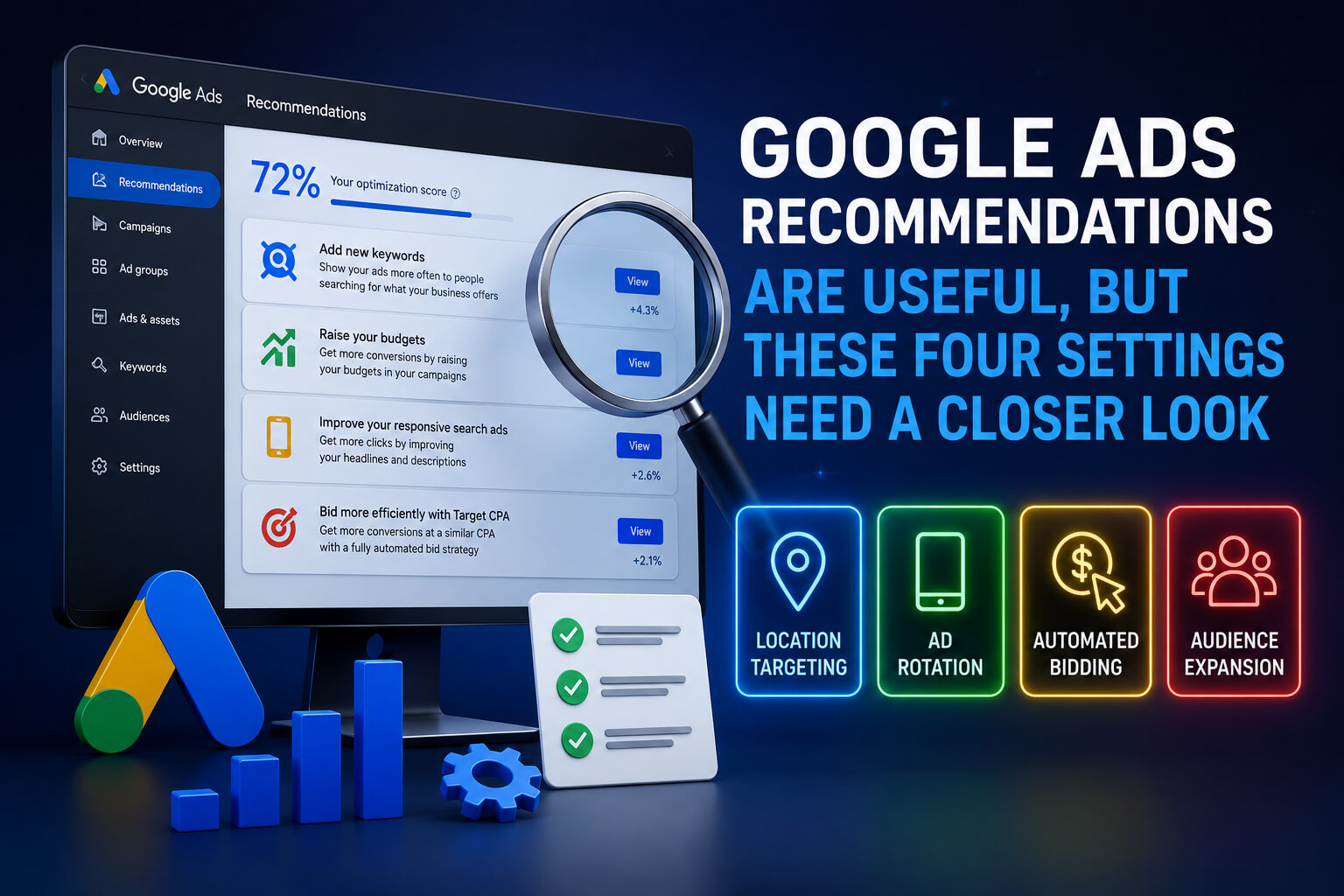
Google Ads is never short of suggestions.
Open the Recommendations tab and the platform may offer new keywords, bidding changes, additional networks, automated creative tools or a larger campaign budget. Some of those ideas can genuinely help. Others may push spending higher while quietly moving a campaign away from its original strategy.
The important word here is “recommendation.”
Google’s suggestions are generated using campaign settings, account performance and wider trends across its advertising platform. They are not guaranteed improvements, and advertisers are free to apply or dismiss them.
A recent Search Engine Land analysis highlighted four Google Ads recommendations and settings that deserve more scrutiny: auto-apply recommendations, Display Expansion, network settings and budget increases.
None of them is automatically bad. That would be too simple. The problem starts when they are enabled without checking where the extra traffic comes from, what Google is allowed to change and whether the recommendation fits the advertiser’s real target.
Auto-Apply Can Change More Than Advertisers Expect
The Recommendations tab and auto-apply recommendations are not the same feature.
Every eligible Google Ads account can receive recommendations. Auto-apply goes a step further by allowing Google to implement selected recommendation types regularly without waiting for manual approval each time.
Advertisers can choose individual options or activate broader groups such as “Maintain your ads” and “Grow your business.” Google also provides a history section showing which recommendations were applied, when they were activated and which user enabled them.
That sounds convenient. It can be.
Routine maintenance changes may save time across large accounts. The risk comes from selecting too many recommendation types at once or approving changes that affect bidding, targeting and creative control.
Some automated recommendations can add keywords, adjust CPA or ROAS targets, create responsive search ads, remove keywords or change campaign settings. Google Ads Editor supports auto-application for several of these actions.
For a business with strict brand approval rules, automatically generated ad copy could create problems before anyone notices. The same applies to regulated industries where claims, wording and disclaimers may require legal review.
Bidding recommendations need the same caution. Allowing the platform to set a target CPA or target ROAS means giving Google more influence over the number the campaign is working toward.
That may be acceptable for an advertiser with flexible targets. It is a very different decision for a company with fixed margins, lead-quality requirements or tightly controlled acquisition costs.
Auto-apply works best when advertisers choose specific recommendations rather than switching on everything because the account’s optimisation score looks incomplete.
A higher score is not the business goal. Profitable results are.
Display Expansion Can Mix Search Intent With Display Traffic
Search campaigns are built around intent. Someone types a query, and an advertiser competes to appear beside the results.
Display advertising works differently. Ads may appear across websites, apps and other placements while users are reading, watching or browsing rather than actively searching for the product.
Display Expansion can extend a search campaign beyond traditional search inventory. The setting may bring more conversions when Google believes unused search budget can find additional opportunities elsewhere.
It may also introduce traffic that behaves very differently.
A person searching for “emergency plumber near me” is sending a fairly clear signal. Someone seeing a plumbing advert while reading an unrelated article is not necessarily ready to call.
Combining those audiences can make campaign reporting harder to read. Conversion totals may rise while lead quality drops. Click-through rates, bounce rates and acquisition costs can also change because the campaign is reaching people in a different part of the buying journey.
Advertisers considering Display Expansion should watch placement quality, conversion value and the actual sales outcome—not just the number of conversions appearing in Google Ads.
Lead-generation businesses should go further and check whether those leads became qualified enquiries, appointments or paying customers.
Extra reach is only useful when the additional traffic has commercial value.
Google Search Partners Can Add Reach but Reduce Visibility
Google Search campaigns can run on Google itself and across Search Partner sites.
The partner network may include other search services and websites with search-related inventory. Activating it gives advertisers access to more searches, which can be useful when a campaign has already captured much of the available demand on Google.
The awkward part is transparency.
Advertisers do not always receive the same level of placement detail they would expect from other campaign types. Performance can vary across industries, locations and accounts, leaving marketers with fewer clues when partner traffic produces weaker leads.
That does not mean Search Partners should always be disabled.
Some campaigns generate efficient conversions through the network. Others burn through budget on traffic that looks acceptable in the Google Ads dashboard but performs poorly once sales teams assess it.
The practical move is to test the network separately in reporting.
Compare Google Search and Search Partner traffic by conversion rate, cost per acquisition, conversion value and offline outcomes. A cheap lead is not cheap when the contact information is fake or the customer was never qualified.
Advertisers should also revisit this setting after major campaign changes. Performance from partner inventory can shift as keywords, bidding strategies and targeting rules change.
Leaving it enabled forever because it worked once is not much of a strategy.
Budget Recommendations Often Assume More Spending Is Available
Google frequently recommends raising campaign budgets when ads are limited by budget or when its systems identify room for additional traffic.
The recommendation may include forecasts for more clicks, conversions or conversion value. For campaigns with strong margins and dependable tracking, increasing the budget may be the correct decision.
Still, Google does not manage the company’s cash flow.
It does not know whether the business has enough staff to handle another 200 leads, whether inventory is running low or whether the next group of conversions will be as profitable as the last one.
Budget recommendations should be treated as forecasts, not promises.
Before increasing spend, advertisers need to look at marginal performance. The question is not simply whether the campaign can generate more conversions. It is whether the additional conversions are likely to arrive at an acceptable cost.
A campaign producing 100 conversions at $40 each will not necessarily produce the next 100 at the same price. Once the strongest demand has been captured, further growth may require higher bids or broader traffic.
Budget increases are easier to judge when conversion tracking includes revenue, qualified leads or offline sales. Without that information, Google may optimise toward actions that look valuable inside the platform but contribute little to the business.
Small, controlled increases usually reveal more than one dramatic jump.
Raise the budget, monitor the change and check what happened outside Google Ads. Did sales rise? Did lead quality hold? Did customer acquisition costs remain workable?
That is the part a recommendation card cannot answer.
Advertisers Still Need to Make the Final Call
Google Ads recommendations can identify neglected settings, technical problems and missed opportunities. They can also move an account toward more automation, broader reach and higher spending.
Those outcomes may support the campaign. They may not.
Google itself allows advertisers to review, dismiss and undo certain recommendations through the Recommendations and Change History sections. Changes applied by mistake can generally be undone from Change History within 30 days, although Google notes that partially applied recommendations may not be reversible in the same way.
The safest approach is not to reject automation. It is to give automation boundaries.
Review each recommendation against the campaign’s budget, brand rules, audience, margins and conversion quality. Test changes in a way that can be measured. Keep an eye on where the traffic comes from.
Google understands its advertising system better than anyone.
The advertiser still understands the business.
Sources
- Search Engine Land
- Google Ads Help — About Recommendations
- Google Ads Help — Manage Auto-Apply Recommendations
- Google Ads Help — Applying Recommendations Automatically
- Google Ads Help — Apply or Dismiss Recommendations