

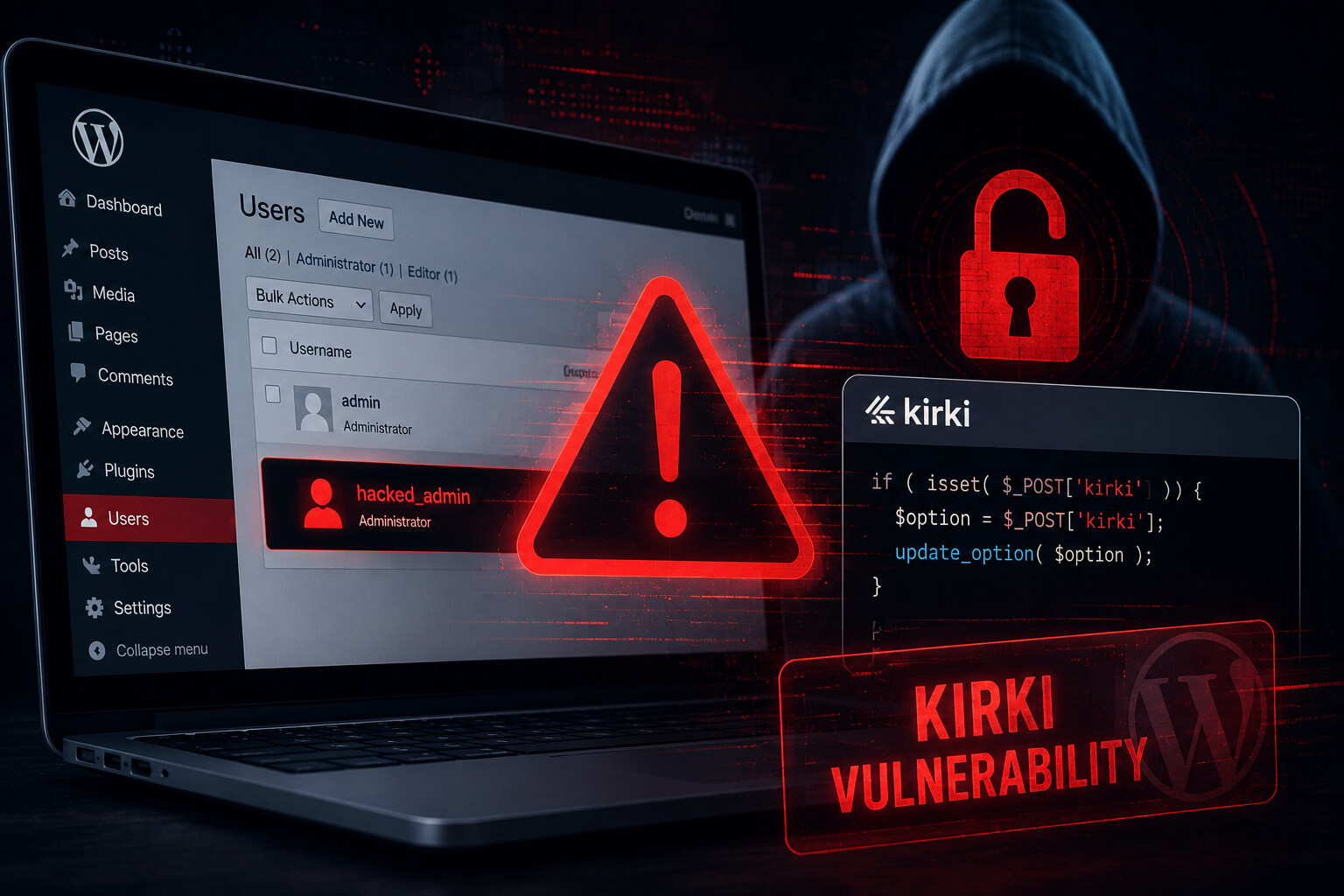
Hackers are actively exploiting a critical security vulnerability in the Kirki WordPress plugin that can allow attackers to take over administrator accounts and potentially compromise entire websites.
The vulnerability, tracked as CVE-2026-8206, affects the Kirki – Freeform Page Builder, Website Builder & Customizer plugin. Kirki is widely used across WordPress websites for page-building and theme customization features.
Security researchers warn that the flaw can be exploited by unauthenticated attackers, meaning hackers do not need an existing account on the target website to begin an attack.
What Is CVE-2026-8206?
CVE-2026-8206 is a critical privilege escalation vulnerability in Kirki’s password reset functionality.
The issue exists in vulnerable versions of the plugin where a password reset process can be manipulated by attackers. Instead of sending a password reset link only to the legitimate user’s registered email address, the vulnerable function can send that reset link to an attacker-controlled email address when a username is supplied.
This creates a dangerous account takeover scenario. If attackers know or guess the username of an administrator account, they may be able to generate a password reset link and receive it in their own inbox.
Once attackers gain access to an administrator account, they could modify website content, install malicious plugins, create new admin users, steal data, or deploy persistent backdoors.
Which Kirki Versions Are Affected?
The vulnerability affects Kirki versions 6.0.0 through 6.0.6.
A patch was released in Kirki version 6.0.7, and WordPress site owners should update to the latest available version immediately. Website administrators running an outdated Kirki installation should treat this as an urgent security issue.
Because the flaw is already being exploited, delaying the update could expose websites to full compromise.
Why This Kirki WordPress Plugin Flaw Is Serious
The main risk is that attackers can target high-privilege accounts, including WordPress administrator accounts.
With admin-level access, attackers may be able to:
Install malicious plugins or themes
Modify or deface website pages
Add hidden administrator accounts
Upload web shells or backdoors
Access private website data
Redirect visitors to phishing or malware pages
Use the compromised website for spam or further attacks
For businesses, publishers, e-commerce stores, and agencies managing client websites, this type of vulnerability can quickly lead to reputational damage, data exposure, and costly cleanup work.
WordPress Site Owners Should Update Kirki Immediately
Website owners using Kirki should check their installed plugin version right away.
To reduce risk, administrators should:
Update Kirki to the latest available version.
Confirm the plugin is no longer running versions 6.0.0 through 6.0.6.
Review administrator accounts for suspicious changes.
Check for newly created users or unknown plugins.
Scan the website for malware or backdoors.
Rotate passwords for administrator accounts.
Enable two-factor authentication where possible.
If updating is not immediately possible, site owners should temporarily disable the plugin until the patch can be applied.
What Website Administrators Should Check After Updating
Because CVE-2026-8206 has been actively exploited, simply updating the plugin may not be enough for sites that were already targeted.
Administrators should review recent account activity and look for signs of compromise, including unexpected password resets, unknown admin accounts, unfamiliar plugins, modified theme files, suspicious redirects, or unusual server files.
Security teams should also review access logs for abnormal requests targeting Kirki’s password reset functionality.
Final Thoughts
The active exploitation of the Kirki WordPress plugin flaw highlights how quickly attackers move when a critical WordPress vulnerability becomes public.
Any WordPress website using Kirki should update immediately, verify that no unauthorized admin access occurred, and strengthen login security with multi-factor authentication.
For website owners, agencies, and WordPress administrators, this is a high-priority patch that should not be delayed.